
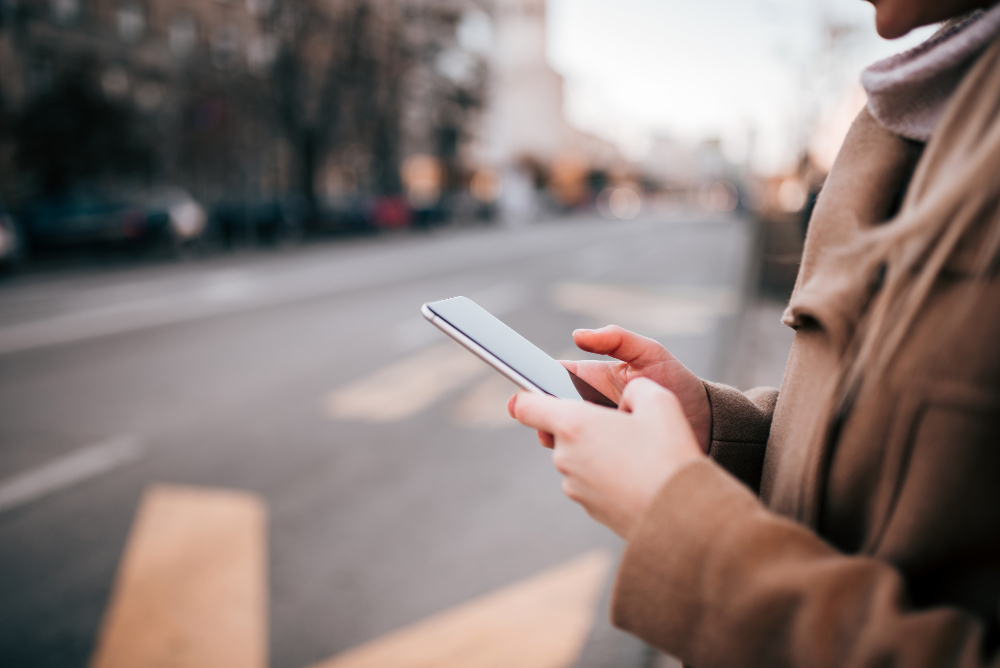
Mobile phones are essential to our lives—whether working, staying in touch with loved ones, or keeping up with the latest news. However, they present specific risks if used improperly. By following a few simple precautions, you can protect your privacy, personal data, and well-being while taking full advantage of this incredible technology.
Below are some practical tips to ensure safe mobile phone usage.
1. Protect Your Personal Information
Your personal information is valuable, and safeguarding it is crucial. Here's how you can do so effectively:
- Use Strong Passwords: Lock your phone with a strong passcode and biometric security like fingerprints, or facial recognition for an added layer of protection. Avoid common passwords like "1234" or your birthday.
- Enable Two-Factor Authentication (2FA): Wherever possible—especially for apps like email, banking, or social media—enable 2FA. It adds layer of verification.
- Avoid Public Wi-Fi for Sensitive Tasks: Using public Wi-Fi increases the risk of hackers intercepting your data. A VPN (Virtual Private Network) is highly recommended if you must use it.
- Be Mindful of App Permissions: Many apps request access to your contacts, location, or camera. Grant permissions sparingly and only when necessary.
2. Avoid Phishing Scams and Fraudulent Links
Cybercriminals often use mobile devices for phishing attacks. Stay vigilant by:
- Scrutinizing All Links: Don't click on links in messages or emails from unknown sources. Scammers often disguise links to look like legitimate websites.
- Avoiding Unsolicited Calls or SMS: Don't share personal information with anyone you don't know, even if the sender seems legitimate.
- Installing a Reliable Security App: Security apps can help detect phishing attempts and secure your data against threats.
3. Keep Your Phone Software Updated
Updates might seem inconvenient, but they are vital in keeping your device secure.
- Regularly Update Your OS: Operating system updates often include patches for security vulnerabilities that hackers exploit.
- Update Your Apps: Old app versions can serve as entry points for malware. Enable auto-updates to streamline this process.
4. Limit Screen Time for Your Safety
Excessive phone usage isn't just mentally taxing—it can affect your physical safety, too.
- Be Cautious While Walking or Driving: It's easy to become distracted by your phone. Avoid texting while walking, and never use your phone while driving. Use hands-free devices instead.
- Limit Screen Time to Avoid Eye Strain: Overuse can lead to digital eye strain. Use your phone's blue-light filter and take regular breaks using the 20-20-20 rule (look at something 20 feet away for 20 seconds every 20 minutes).
5. Safeguard Against Physical Theft
Losing your mobile phone can mean losing access to sensitive data. Here's how to reduce the risk:
- Be Mindful of Your Surroundings: Keep your phone secure in public places to avoid theft. Avoid leaving it on tables or counters when not in use.
- Use Tracking Features: Use "Find My iPhone" for iPhones or "Find My Device" for Android to locate your phone quickly if it's lost or stolen.
- Remote Erase Capability: Enable a feature to remotely erase your phone if needed, ensuring sensitive data doesn't fall into the wrong hands.
6. Secure Your Wireless Connections
Hackers can exploit insecure connections, leaving your phone and data vulnerable.
- Turn Off Bluetooth and Hotspot When Not in Use: Open, unattended connections can allow unauthorized access.
- Use Secure Bluetooth Pairing: Always verify pairing requests before connecting your device to any Bluetooth-enabled gadget.
Hopefully, these tips were helpful. If you would like help with real estate in the Prescott area, give me a call. I would love to put my years of experience to work for you. John Gorden, 928-308-0101
